

Microsoft Office 365 vs Office 2007: Key Differences
In today’s digital era, many businesses have shifted from older software to modern solutions. Microsoft Office 365 vs Office 2007 is a common comparison, especially since support for Office 2007 officially ended in 2017. As a result, Microsoft no longer provides updates, including security patches and technical support.
Because of this, users face higher security risks when using outdated software. Therefore, understanding the differences between Microsoft Office 365 and Office 2007 is essential. In this article, we will explain both versions and highlight their key differences.
What Is Microsoft Office 2007?
Microsoft Office 2007 was one of the most popular productivity software packages used by businesses and organizations. It helped users complete tasks such as document creation, data processing, and presentations.
This version includes applications like Microsoft Word 2007, Excel 2007, PowerPoint 2007, Access 2007, and Outlook 2007. At the time, these tools improved workplace productivity significantly.
However, Microsoft officially ended support for Office 2007 on October 10, 2017. As a result, users no longer receive important updates. For example, there are no security patches, technical support, or software improvements.
In addition, users cannot download Office 2007 from Microsoft’s official website anymore. Without updates, systems become vulnerable to viruses, malware, and other cyber threats. Therefore, continuing to use this version can put your data at risk.
What Is Microsoft Office 365?
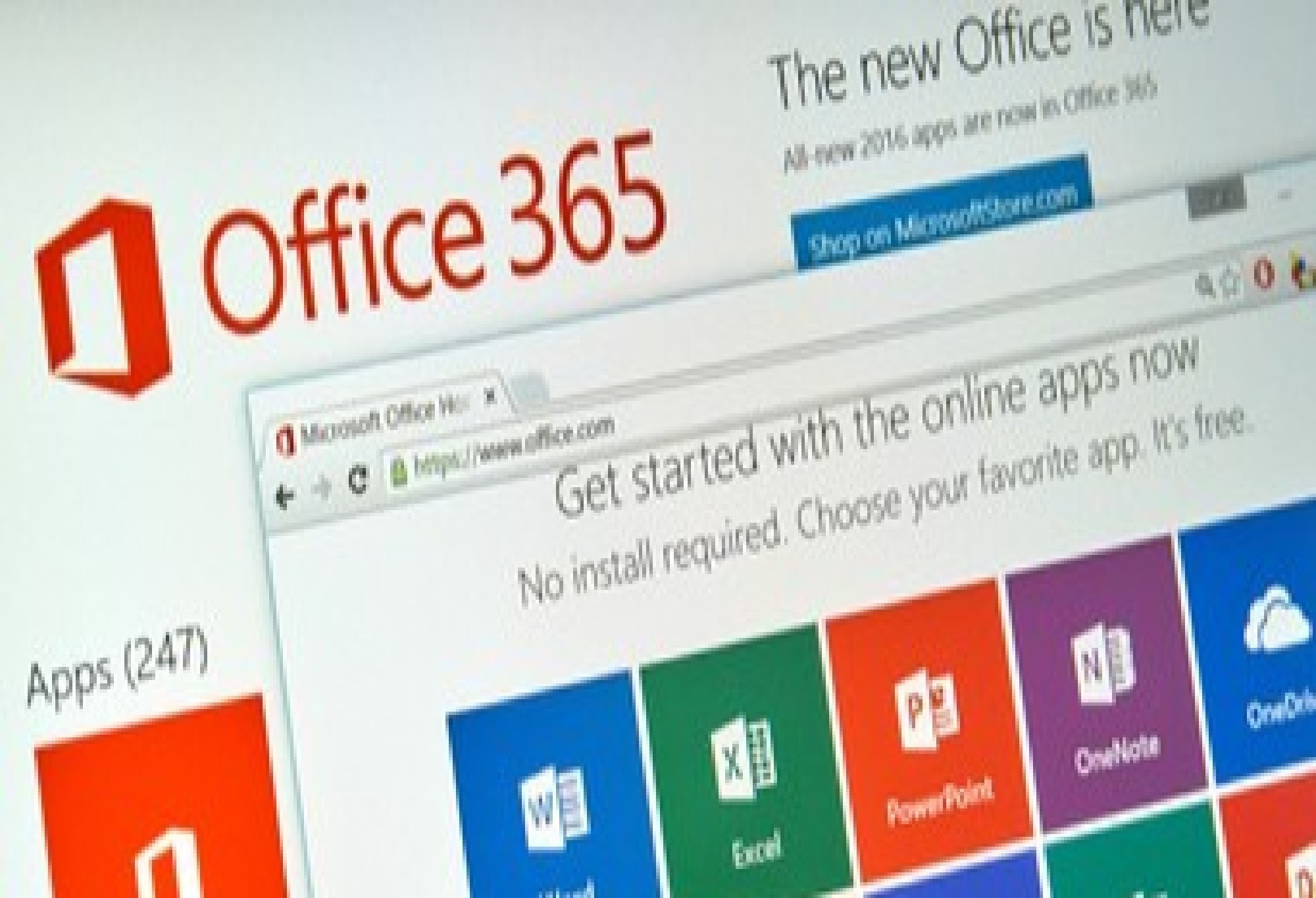
After ending support for older versions, Microsoft introduced Office 365 as a modern, cloud-based solution. This platform offers a subscription-based service with continuous updates and advanced features.
Microsoft Office 365 includes popular applications such as Word, Excel, PowerPoint, and Outlook. However, it also provides additional services powered by the internet.
For instance, users can store files in the cloud and access them anytime. In addition, automatic updates ensure that the software always runs the latest version. As a result, users benefit from better performance, security, and flexibility.
Microsoft Office 365 vs Office 2007 Differences
Although both versions include similar core applications, several important differences set them apart:
1. Features and Updates
Microsoft Office 365 provides premium features and regular updates. In contrast, Office 2007 no longer receives any updates. As a result, Office 365 users always access the latest tools and improvements.
2. Security
Security is a major difference in Microsoft Office 365 vs Office 2007. Office 365 includes advanced security features such as multi-factor authentication. However, Office 2007 does not receive security updates anymore. Therefore, it is more vulnerable to cyber threats.
3. Cloud Storage
Office 365 offers cloud storage through OneDrive. Each user can get up to 1TB of storage. As a result, files can be backed up and accessed easily. On the other hand, Office 2007 does not support cloud storage.
4. Flexibility and Accessibility
With Office 365, users can work on multiple devices, including Windows, Android, and Apple devices. In addition, documents can be accessed anytime and anywhere. This flexibility makes remote work easier. Meanwhile, Office 2007 is limited to local devices.
5. Collaboration Features
Office 365 supports real-time collaboration. Teams can edit and share documents simultaneously using tools like Word, PowerPoint, and OneNote. As a result, teamwork becomes faster and more efficient. However, Office 2007 does not provide this feature.
Conclusion
Understanding Microsoft Office 365 vs Office 2007 helps businesses make better technology decisions. While Office 2007 can still be used, it carries significant security risks due to the lack of updates.
On the other hand, Office 365 offers modern features, better security, and cloud-based flexibility. Therefore, upgrading to Microsoft Office 365 is a smart step for long-term productivity and data protection.
Indonesian Cloud provides Microsoft Office 365 services to support your business and educational needs. If you want to learn more or subscribe, visit Indonesiancloud.com or cloudhostingaja.com. You can also contact the sales team for further assistance.