
Backup and disaster recovery are essential strategies that help businesses reduce the impact of unexpected downtime. Companies in nearly every industry understand that downtime can quickly lead to lost revenue, reduced productivity, and potentially permanent data loss.
Events such as natural disasters, human errors, security breaches, and ransomware attacks can threaten IT resources at any time. This is why understanding the difference between backup and disaster recovery is crucial for developing an effective plan to maintain business continuity.
What Are Backup and Disaster Recovery?
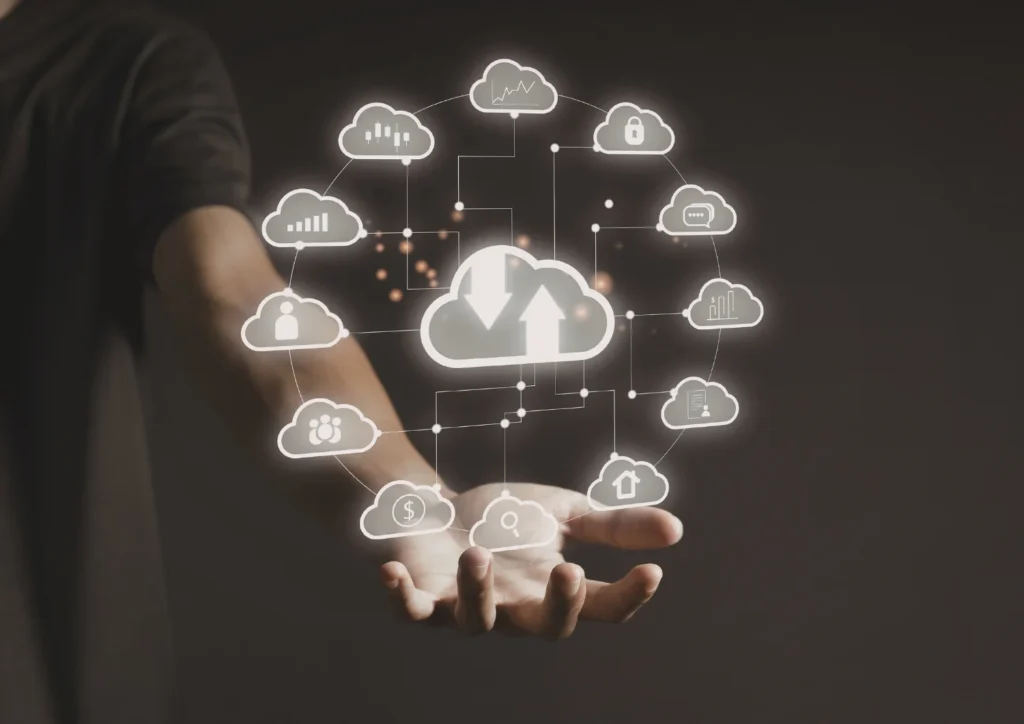
Although the two are related, backup and disaster recovery serve different purposes.
Backup refers to creating additional copies of data so you can restore them when needed. Typically, businesses use backups when files are accidentally deleted, corrupted, or affected during software upgrades.
Meanwhile, disaster recovery focuses on restoring access to applications, systems, and IT infrastructure after a major disruption. Unlike simple data restoration, disaster recovery involves switching to secondary servers or storage systems to ensure business operations continue as soon as possible.
Many businesses mistakenly believe that having backups alone is enough. However, backups do not guarantee business continuity. To stay operational during a large-scale outage, you need a complete and well-tested disaster recovery plan.
Key Terms You Should Know
To make informed decisions, you should first understand several key metrics that define a strong backup and disaster recovery strategy:
Recovery Time Objective (RTO)
RTO is the maximum acceptable time required to restore business operations. For example, an online retailer might only tolerate a few minutes of downtime, whereas a public library could tolerate several hours.
Recovery Point Objective (RPO)
RPO indicates how much data you can afford to lose during an incident. Some companies replicate data every few minutes, while others may choose hourly or daily intervals.
Failover
Failover is an automated process that moves workloads to backup systems when the primary environment becomes unavailable.
Restore
Restoring refers to returning backed-up data to your main systems, typically as part of the backup rather than the disaster recovery process.
Disaster Recovery as a Service (DRaaS)
DRaaS involves outsourcing disaster recovery infrastructure and operations to a third-party provider. This approach ensures expert management and faster recovery times.
Prioritizing Workloads for Backup and Disaster Recovery
Once you understand the terminology, you can evaluate your workloads based on importance. Many companies categorize workloads by levels:
- Tier 1 (Critical): Essential applications, such as online banking systems or e-commerce payment platforms. These require the fastest recovery.
- Tier 2 (Important): Systems that support business functions but can tolerate short disruptions.
- Tier 3 (Non-essential): Applications that can remain offline for longer without affecting business operations.
By assigning these levels, you gain a clear framework for designing your backup and disaster recovery strategy.
Evaluating Deployment Options
After assessing priorities, the next step is choosing the most appropriate deployment model: cloud, on-premise, or hybrid.
1. Cloud-Based Backup and Disaster Recovery
Cloud-based backup and disaster recovery are increasingly popular because they offer:
- Lower infrastructure costs
- High scalability
- Minimal hardware management
- Faster, more flexible data recovery
- Hybrid options (on-prem + cloud)
With hybrid cloud, you can store backup data in the cloud while keeping your production environment on-premise. Cloud-to-cloud setups place both production and recovery environments entirely in the cloud but in different locations.
2. On-Premise Backup and Disaster Recovery
On-premise backup may suit companies that:
- Need full control over sensitive data
- Must meet strict regulatory requirements
- Require rapid local recovery
However, relying solely on on-premise disaster recovery is risky. Natural disasters or power outages can affect your entire primary data center, making off-site recovery essential.
Conclusion
Implementing backup and disaster recovery solutions is no longer optional. Both are crucial for protecting your operations, preventing data loss, and ensuring business continuity.
Indonesian Cloud provides enterprise-grade solutions:
- Cloud Backup with Veeam
- Cloud Backup with Zerto
These services help keep your business running smoothly even when unexpected disruptions occur.
To learn more abour backup and disaster recovery services from Indonesian Cloud, visit our main sites at Indonesiancloud.com. Feel free to contact us for further information. Stay tune for the next article!